AI rap video from photos: solo and two-person planning
A strong reference photo helps the model understand a character. It does not guarantee perfect identity or lip sync. Choose a simple source, keep the performance readable and test a short clip before attempting a more complicated duet.
airap.co · Reviewed October 25, 2026
Choose references that are easy to read
Use a clear, well-lit image with the whole face visible. Avoid heavy filters, a hand across the mouth or several people overlapping. For pets, keep distinctive fur markings visible. For a two-person setup, use separate photos if the tool supports them, and keep the lighting and head angle reasonably similar.
Use your own images or get permission from the people involved. A public photo is not automatically permission to animate someone into a performance. If you do not have a suitable photo, begin with a fictional text-only character instead.
Tell the prompt who stands where
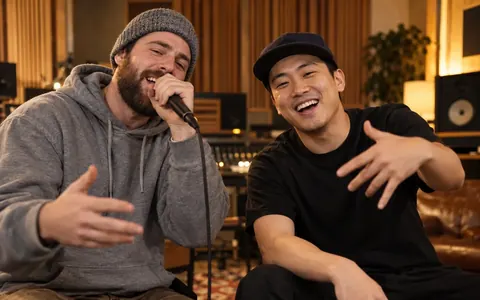
Describe Person A on the left and Person B on the right. Give them different clothing or another stable visual distinction. Keep the camera frontal, the microphone position fixed and the gestures small. Ask them to take turns rather than making both mouths move through every line.
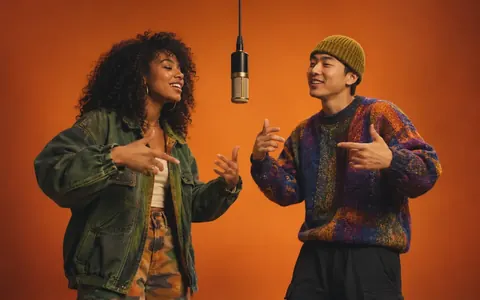
The orange-booth format associated with the Hotel Lobby AI trend is useful as a visual reference: a plain studio, one hanging mic and two independent reactions. Our scene recipes use original characters, lines and audio instructions; they do not provide the original song or recorded performance.
Plan a short lead-and-response sequence
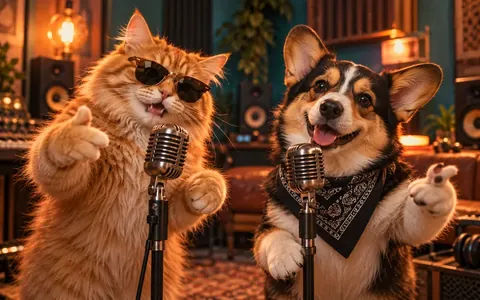
Think in three moments: introduce both faces, let the first performer deliver one short line, then let the second answer. Finish with a shared reaction. A pet duo follows the same pattern: one animal leads while the other bobs its head, then they switch.
If identities blend or a performer changes sides, simplify the background and stop any camera movement. If the model changes the words, shorten the lyrics and make the vocal language explicit. Keep a successful short take as a reference for the next shot.
Prepare the prompt now, render when the service is ready
Choose a duo template below, edit the original starter lines and copy the complete prompt. You can save it as a local studio draft without sending a photo to an AI provider. You can select photos for a local preview now. Sending photos to an AI provider and video rendering are still being prepared.
When using a compatible external tool, inspect its reference-image and audio controls rather than assuming a prompt activates them. After rendering, check faces, mouth movement, timing and background details. Add checked captions in an editor and make sure every person in the final video is comfortable with the result.
A few things to know
Do I need two separate portraits?
Separate portraits can make roles clearer when the model supports multiple references. A photo of both people can also work, but may be harder to separate when faces overlap.
Can two pets use the same idea?
Yes. Give each animal a clear breed, fur pattern and fixed side. Start with head and paw movement instead of complicated dancing.