AI rap video prompts: write a scene the model can follow
A useful prompt is a small production plan. It explains what should stay the same, what should move and what should be heard. Make the instructions concrete enough that you can tell which part worked after the first take.
airap.co · Reviewed October 25, 2026
Use five concrete parts
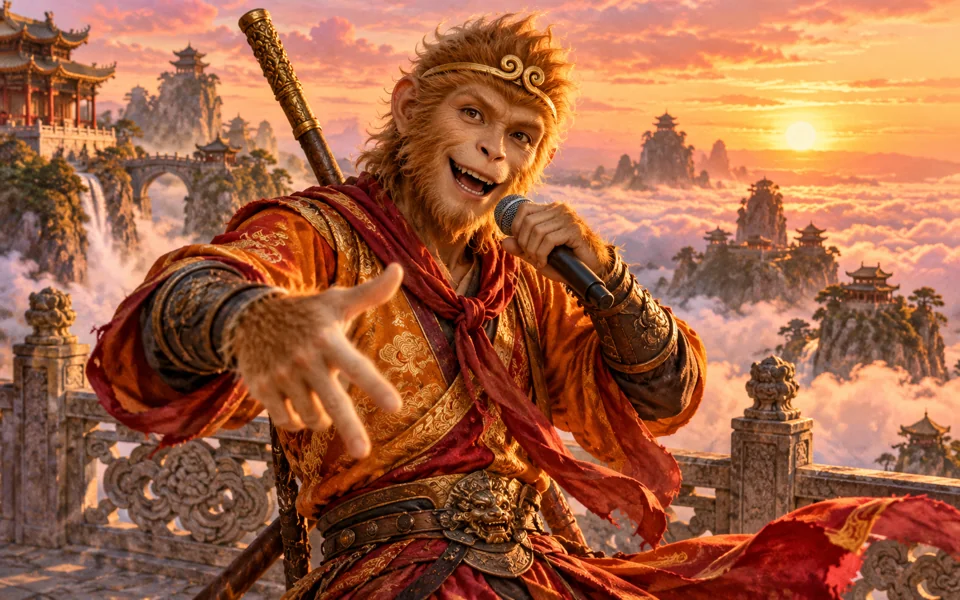
Start with the performer: a fictional adult friend, a ginger cat or your own interpretation of a literary character. Add the location, one action and the camera framing. Then describe the sound separately, including the vocal language and original beat.
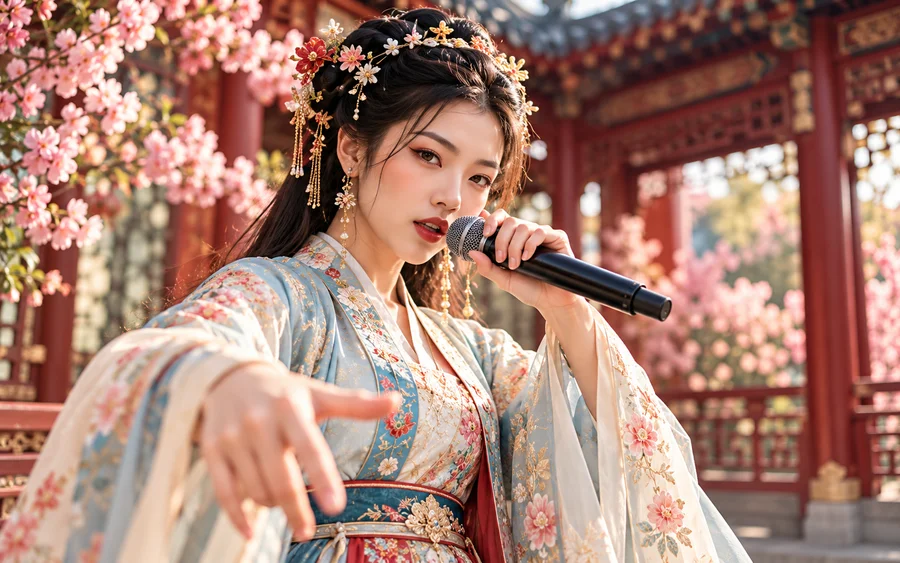
For example, a compact direction can be: a fictional hanfu performer in a blossom garden, one hand gesture, a continuous medium shot, soft warm light, and a short original Mandarin rap with the voice clearly above the beat. That gives you things to inspect without relying on vague claims such as cinematic perfection.
Give the words room to breathe
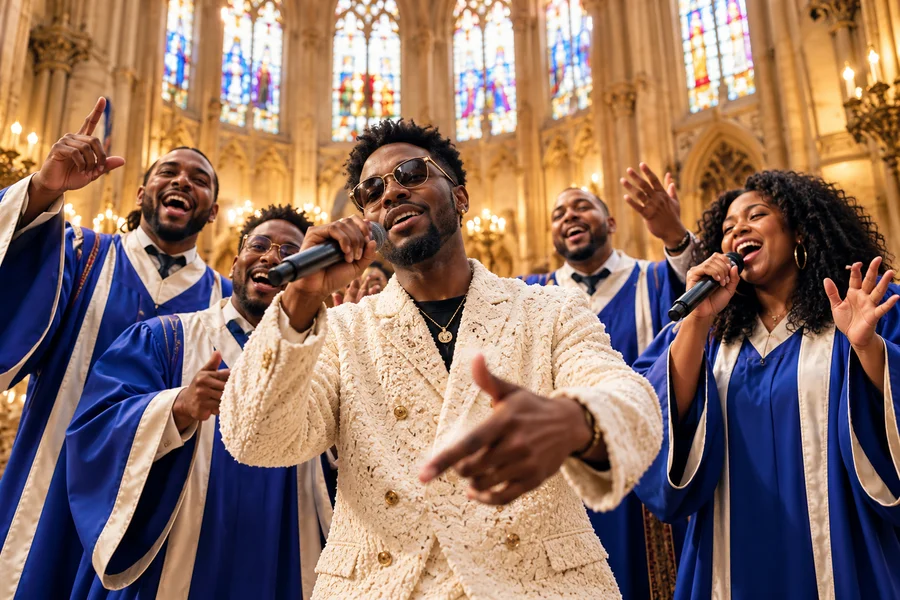
Keep the verse short enough to say naturally in the requested time. Use two lines for a quick test, or four short lines for a longer take. For a duo, mark the speaker on each line and include a reaction pause. If a model rushes the words, reduce the number of lines rather than asking it to rap faster.
You can use the original starter verses on each airap.co template as a starting point. Change the detail that matters to you: the person’s habit, the pet’s obsession or the character’s dilemma. Write your own lines rather than copying the hook of a song you do not have permission to use.
Separate movement from things that must stay fixed
A character may nod, smile and make a small gesture while the face, outfit, fur pattern, microphone and left-right position stay unchanged. Keeping those invariants explicit makes your first experiment easier to diagnose.
Avoid combining a moving camera, a costume change, several scene transitions and two simultaneous vocals in one short clip. If a hand fails, try a smaller gesture. If a face changes, remove the camera move. Change one part at a time so you learn what improved the take.
Customize a recipe and keep a reusable draft
The prompt builder assembles the scene, vocal language, short verse and continuity instructions for you. Choose a template, edit the topic and lyrics, then copy the complete text. The builder runs without signing in and does not call a video provider.
A saved studio draft keeps the prompt and video settings in your browser. It does not store an uploaded image or guarantee a completed video. Keep a separate copy of any writing you want to preserve. When you move to a compatible AI video tool, check its real duration, audio and reference-image settings before generating.
A few things to know
Should every prompt include a camera move?
No. A fixed shot is often a clearer first test, especially for two speakers or an expressive face. Add a move only when it helps the performance.
Does a longer negative prompt guarantee a clean result?
No. A few relevant constraints can help, but a simpler scene and a short test are more useful than endlessly adding prohibitions.