How to make an AI rap video: a practical first-take guide
The quickest useful experiment is one short performance, not an entire music video. Decide who is rapping, what the joke or message is, and what the audience should notice in the first second. Then give the model a scene it can keep consistent.
airap.co · Reviewed October 25, 2026
Start with a line worth hearing
Write the idea in one sentence: a cat complains about an empty bowl, two friends argue about being late, or a fictional hero talks about keeping a promise. A specific detail makes the performance feel personal. A list of style words rarely does.
For a first test, use two to four short original lines. Read them out loud at the pace you want. If the words already feel rushed without a beat, shorten them before you render. Do not ask a ten-second clip to fit a whole verse and a complicated introduction.
Choose one performer setup and one shot
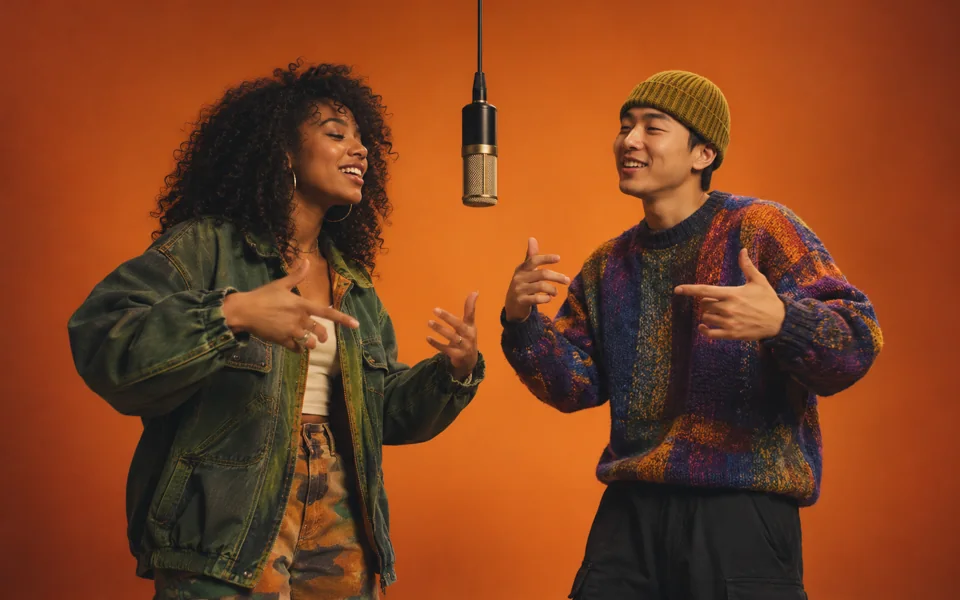
A solo character is the easiest place to begin. A duo can work when the left and right positions stay fixed and the performers take turns. Large groups, changing locations and fast camera cuts add more things that can drift between frames.
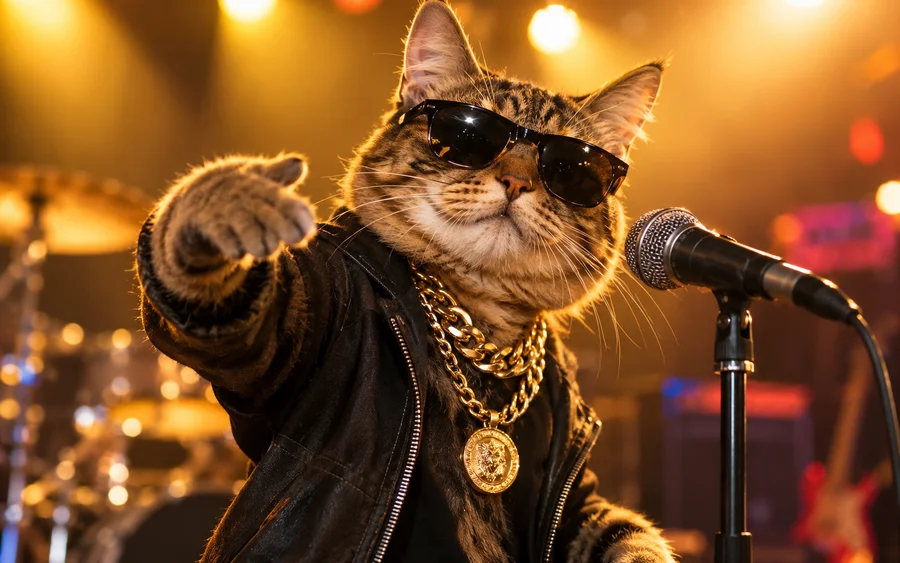
Name the setting, clothing, microphone and lighting. Give the character one small gesture. For example: a tabby cat at a tiny microphone, warm living-room light, a gentle head bounce, and a fixed medium shot. Save large dance moves and prop changes for later experiments.
Build the visual and audio instructions together
Open the free prompt builder, choose a scene and replace the starter lines with your own. The prompt should separate the performer, action, camera and sound. Ask for an original beat and specify the vocal language.
Choose a video model that actually supports the sound workflow you need. Some tools make visuals only, and a prompt cannot turn a silent model into a music generator. If you already have a recorded verse, plan to align the footage to that audio in an editor. airap.co currently helps you prepare the prompt and draft; our own rendering and uploads are not open yet.
Review before you publish
Watch with sound, then watch again muted. Listen for changed words, extra voices or a beat that overwhelms the vocal. Look for face changes, extra fingers, sliding feet and objects that appear or disappear. If one part fails, simplify that part of the prompt instead of adding a longer list of demands.
Finish the clip in an editor: trim the empty start, cut on the beat, add captions you have checked, and preview the result on a phone. Keep the face and captions away from the platform’s on-screen buttons. Use photos, music and likenesses you have permission to use, and follow the platform’s current AI-labeling controls.
A few things to know
Can I make a full rap song in one short render?
A short video render is a test of one moment. For a full song, prepare the audio first, make several consistent shots and edit them to the recording.
Is the airap.co prompt builder free?
Yes. You can customize and copy a prompt without an account. That does not include a free video render from an external provider.